Introduction
Let me be honest,cold outreach today is noisy. Everyone is sending text messages, follow-ups, and pitches. Your ideal clients are flooded with bland, templated connection requests and cookie-cutter cold emails every day. And most of those go ignored.
That’s exactly why LinkedIn video messages are a breakthrough.
In my experience running campaigns for clients through Cold Outreach Agency, I’ve seen firsthand how adding a short, personalized video can 10x your reply rate, increase booked calls, and make prospects remember you.
In this article, I’ll break down exactly why video works, how to use it effectively, and share my proven templates and step-by-step video framework that I use in outreach. Whether you’re booking meetings for your agency, SaaS product, or coaching offer, this is the edge you’ve been looking for.
Why LinkedIn Video Messages Work So Well in Cold Outreach
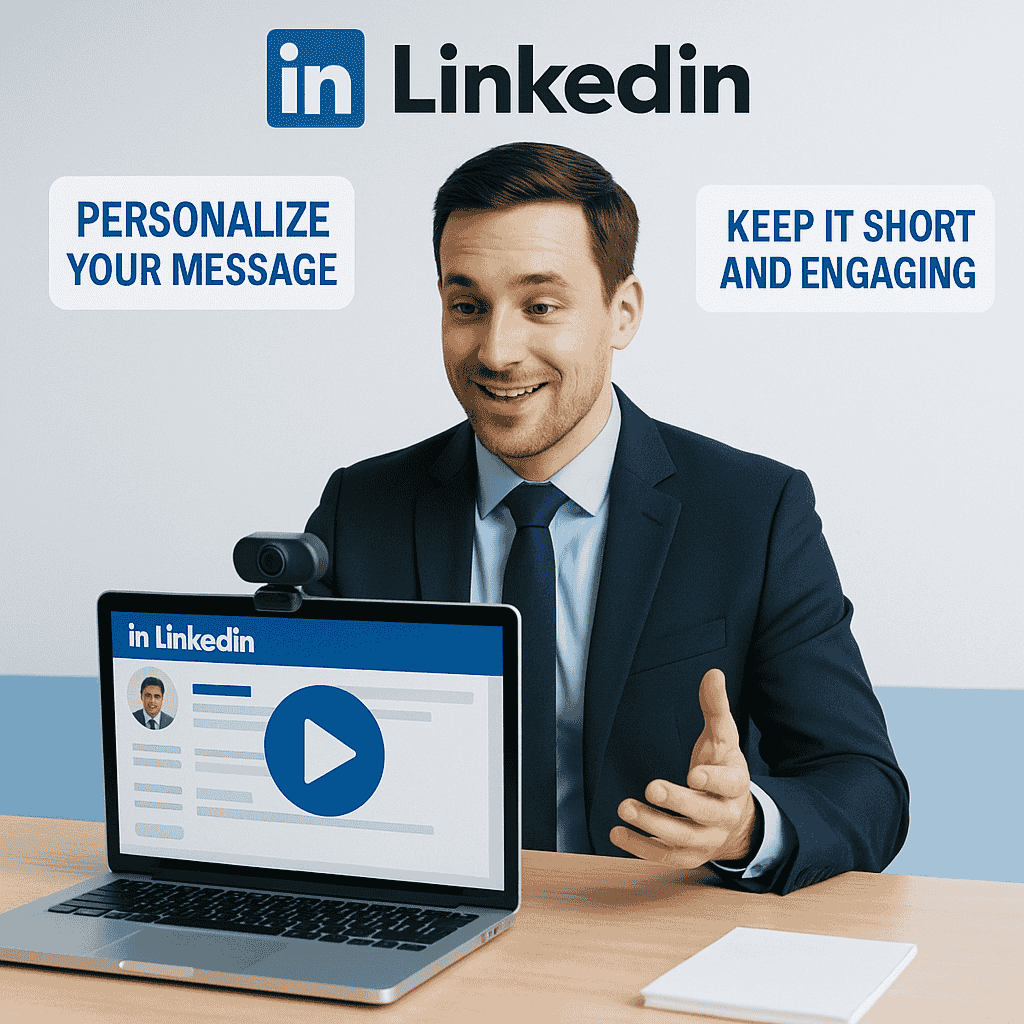
Here’s the thing: people buy from people, not from pixels and spammy templates.
1. Pattern Interruption
A video stands out in the inbox. It’s not something most people are expecting in their LinkedIn messages. When you break the pattern, you capture attention.
2. Personal Connection
Your face, your tone, your energy,it builds trust much faster than a block of text ever could. It helps prospects feel like they already know you.
3. Higher Engagement
People are curious. A short video message increases the chances of someone clicking, watching, and replying.
4. Built-in Personalization
You don’t need to write 5 lines of fluff. Just mention their name and reference something relevant, and boom,you’ve got a message that feels tailor-made.
When to Use LinkedIn Video Messages in Your Outreach
Here’s when I love dropping in video messages:
- After the connection request is accepted
- When follow-up text messages go unanswered
- For warm leads who engaged with your content
- As a first touch to break the ice (advanced strategy)
Equipment and Setup (Keep It Simple)
You don’t need a full studio to start sending videos. Honestly, all you need is your phone or webcam and some decent lighting.
Here’s my basic setup:
- Phone or webcam: Clear video is better, but don’t overthink it.
- Lighting: Sit near a window or use a ring light.
- Audio: Your phone mic is good enough. If you’ve a lav mic, even better.
- Framing: Look into the camera. Make sure your background is clean and non-distracting.
The key? Don’t wait for perfection. Done is better than perfect.
The 5-Step LinkedIn Video Message Framework That Works
Here’s the exact framework I follow for cold video outreach that gets responses and calls booked:
1. Hook (First 3 seconds)
Start strong. Mention their name and say something personal or relevant:
“Hey Alex, just checked out your agency,super clean website!”
This grabs attention fast. Don’t be generic.
2. Context (5-10 seconds)
Explain why you’re reaching out in a low-pressure way:
“I help B2B service businesses like yours generate appointments through LinkedIn and email automation,so I thought I’d reach out with a quick idea.”
3. Value (10-15 seconds)
Deliver a quick insight or suggest a benefit they’d care about:
“Most agency founders I speak with are great at delivery but struggle to keep a consistent flow of qualified leads coming in. We’ve built a simple system that fixes that.”
4. CTA (Call-to-action)
Always include a simple next step. Keep it casual:
“If that’s something you’re exploring, happy to send over a quick Loom or hop on a 10-min chat this week,up to you!”
5. Energy + Smile
Your energy is part of the message. Smile, be upbeat, and keep it natural. Imagine you’re talking to a smart friend, not pitching.
Length: Keep It Under 60 Seconds
Attention spans are short, especially on LinkedIn. I’ve found that 30-45 seconds is the sweet spot. Enough time to say something meaningful, but not too long to feel like a chore to watch.
Best Practices for LinkedIn Video Messaging
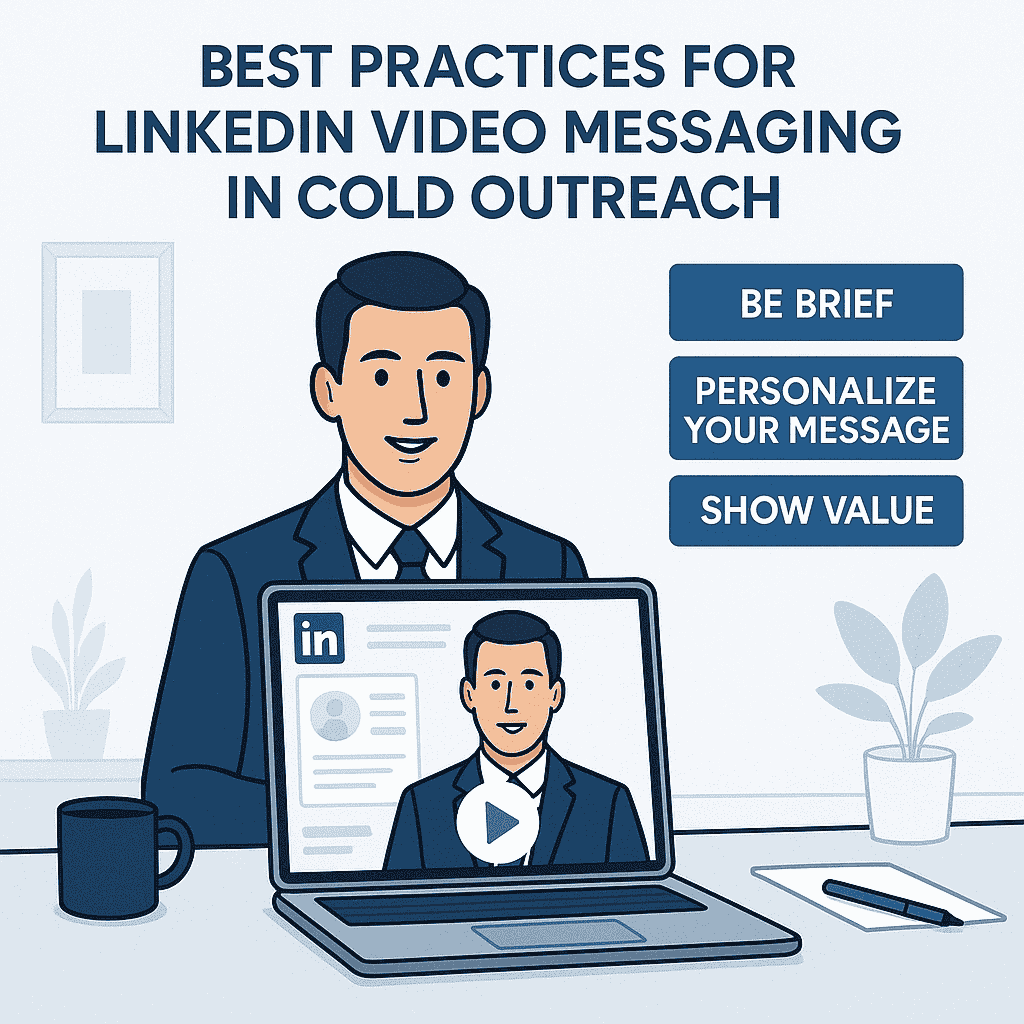
1. Always Personalize
Use their name. Mention their company. Reference a recent post or mutual connection if possible. Even just 1-2 personalized cues make a massive difference.
2. Keep It Casual and Conversational
It doesn’t sound like a sales rep reading a script. Sounds like a human. Be relaxed, clear, and confident.
3. Record Natively or Use Tools Like Loom
You can send native LinkedIn video messages on mobile. For extra polish or desktop recording, use Loom. Record, copy the link, and paste it in the message.
4. Thumbnail Matters
If using Loom, customize the thumbnail to show your face and maybe a whiteboard or prop with their name. That increases the click-through rate.
5. Test and Track
Keep a record of your videos. Test different hooks, lengths, tones, and CTAs. Track replies and improve as you go.
Video Message Templates
Here are a few of my battle-tested templates you can adapt immediately:
Template 1: First-Touch After Connection
Subject: Quick idea for [Their Company]
“Hey [First Name],
Just shot you a quick 30-sec video with an idea that could help [solve their pain point]. Thought I’d send it here instead of another text wall.
Would love to hear your thoughts!”
Template 2: Follow-Up Video After No Reply
Subject: Not sure if you saw this…
“Hey [First Name],
I know inboxes get busy,so I figured I’d send a quick video instead of spamming another message 🙂
It’s a 45-sec walkthrough of how I helped a similar agency go from 0 to 20 booked calls/month using LinkedIn + email.
[Loom Link]
Let me know if it’s worth exploring for [Their Company] too.”
Template 3: Warm Lead Who Engaged With Your Post
Subject: Saw you liked my post
“Hey [First Name],
Really appreciate the love on my post about cold outreach. Thought I’d drop a quick video to say thanks and share a behind-the-scenes look at the lead system I mentioned.
[Loom Link]
Could be a good fit for [Their Niche], happy to connect further if you’re curious.”
Template 4: Video + Calendar CTA
Subject: Video for [Their Company] + calendar
“Hey [First Name],
Shot a quick 1-min video on how we help [Niche] generate more qualified calls with our multi-channel outreach system.
[Loom Link]
If it’s aligned, feel free to pick a time here: [Your Calendly]
Talk soon!”
How I Use This in My Agency
Inside Cold Outreach Agency, we use LinkedIn video at different stages in the outbound journey. For new connection acceptances, we sometimes drop a personalized “thanks for connecting” video that blends into a value pitch.
In cases where we’ve already done initial touchpoints (like cold message + follow-up), we use video to reignite the conversation. It works wonders when the prospect has gone cold.
Even better,when I send a video with their company’s logo on my iPad in the background or write their name on a whiteboard, it makes the message hyper-personal without spending too much time. Small tweaks like that change everything.
Metrics That Matter: What to Track
Here’s what I track in my outreach dashboard when using video:
- View rate (Loom gives this)
- Reply rate
- Calls booked per 10 videos
- Follow-ups required
On average, we’ve seen 30-50% view rates, and 3-5x higher replies when video is used strategically compared to plain text.
Common Mistakes to Avoid
Being Too Scripted
Reading off a script kills your authenticity. Use bullet points, not paragraphs.
Going Over 90 Seconds
Long videos lose attention. Always respect their time.
Not Smiling or Sounding Bored
You’re selling enthusiasm. If you’re low-energy, it reflects poorly.
Sending Generic Videos
Mass-blasting the same video to 100 people doesn’t work. A little effort in personalization goes a long way.
Scaling Video Outreach Without Burning Out
Here’s the reality: sending 1:1 personalized video to hundreds of leads isn’t always scalable.
So here’s how I do it smartly:
- Tier A leads: Fully personalized 1:1 videos
- Tier B leads: Semi-custom videos (same base script, customized intro)
- Tier C leads: Loom walkthrough or case study with a warm intro line
This lets me balance volume with impact.
Conclusion
If you’ve made it this far, you already know the truth,Video messages on LinkedIn are underused, underrated, and unfairly powerful when done right.
Look, cold outreach is evolving. Prospects are savvier. Inboxes are flooded. And what worked 2 years ago doesn’t work anymore. So the real question is:
How are you standing out in a sea of sameness?
Video messaging gives you that edge. It helps you create a connection in a cold world. It builds trust before the first sales call. It shows your face, your voice, your intent,in a way text never can.
But here’s the thing: most people will read this and still not do it.
They’ll say:
“I’m not good on camera.”
“I don’t have time.”
“I’ll do it next week.”
Meanwhile, someone else (maybe you) will start sending imperfect, short, personalized videos,and they’ll start booking more calls and closing more deals.
So here’s what I’d say if we were face-to-face right now:
Start today.
Record your first 30-second video.
Send it to just one dream client on LinkedIn.
Watch what happens.
Even if you suck at first (I did), you’ll get better. You’ll learn faster than any blog or course can teach you. And over time, you’ll build real momentum.
This isn’t theory,I’ve used it to generate appointments for my agency, land retainer clients, and help my clients do the same. Video outreach isn’t magic. It’s just more human than anything else in a cold inbox.
And at the end of the day, people respond to people.
So get your face on camera, hit record, and start conversations that convert.
Let’s go.
Frequently Asked Questions
what’s the fastest way to use Using LinkedIn Video Messages in Cold Outreach: Best Practices and Templates without burning the market?
How many prospects should I contact for Using LinkedIn Video Messages in Cold Outreach: Best Practices and Templates?
Why do most campaigns around Using LinkedIn Video Messages in Cold Outreach: Best Practices and Templates fail?
Should I use email only for Using LinkedIn Video Messages in Cold Outreach: Best Practices and Templates?
When should I hire help for Using LinkedIn Video Messages in Cold Outreach: Best Practices and Templates?
Research worth checking
Pew Research internet behavior data
The Practical Fix
If Using LinkedIn Video Messages in Cold Outreach feels inconsistent, the problem usually is not effort. It is that the campaign has no operating logic behind it. That is why I care less about volume at the start and more about whether the first replies prove the angle is real.
The buyer is not sitting around waiting for your pitch. They are dealing with prospects who can see your profile, your credibility, and your weak positioning before they ever reply. That means the message has to earn attention fast: clear pain, clean proof, and a next step that does not feel like a trap.
What Must Be True Before You Send More
- ICP match: The buyer should match your best customer profile, not just a broad industry label.
- Trigger strength: A hiring move, new location, funding event, tech change, compliance push, or public initiative makes outreach feel timely.
- Follow-up logic: Every follow-up should add a new reason to respond. Repeating the first message is not follow-up. It is noise.
Most campaigns do not need a cleverer subject line first. They need cleaner segmentation, sharper proof, and a follow-up sequence that sounds like a person is paying attention.
The cleaner version is simple: start with 300 accounts, not a giant scraped list. Segment them by pain, write one message for one segment, and watch replies before scaling. If that first batch does not produce signal, more volume will not save the campaign. It will only make the failure louder.
Here is the practical takeaway: make Using LinkedIn Video Messages in Cold Outreach narrower, cleaner, and easier to say yes to. Then scale what the market proves, not what the team hopes will work. Build the data layer first, then the message, then the follow-up system. In that order.
How to Make This Feel Built, Not Generated
The strongest campaigns feel researched because the language names a specific condition in the buyer’s world. Look at Using LinkedIn Video Messages in Cold Outreach through the buyer’s day, not through a marketer’s checklist. For Using LinkedIn Video Messages in Cold Outreach, that means the outreach has to connect the business problem, the buying moment, and the proof in a way that feels specific.
A payback buyer cares about different proof than a bounce buyer. A reputation bottleneck should not be handled with the same CTA as a feedback bottleneck. A partner issue needs different copy than a suppression issue. This is why shallow templates fail. They flatten different buyer situations into one bland message.
- Templates Pipeline: Review templates pipeline against the buyer’s real context before increasing send volume.
- Using: Review using against the buyer’s real context before increasing send volume.
- Messages Accounts: Review messages accounts against the buyer’s real context before increasing send volume.
- Templates Buyers: Review templates buyers against the buyer’s real context before increasing send volume.
- Pipeline: Review pipeline against the buyer’s real context before increasing send volume.
- Authentication: Review authentication against the buyer’s real context before increasing send volume.
This is the part a generic article usually misses: judgment. A real operator can tell when research is the problem, when administrator is the problem, and when the whole angle is too soft. That judgment comes from reading replies, checking account quality, and comparing message intent against actual buyer behavior.
The cleaner move is to run a small batch, inspect the signal, then rewrite the weak layer. Do not scale because the copy looks polished. Scale because the replies prove the market understands the value.